Understand people
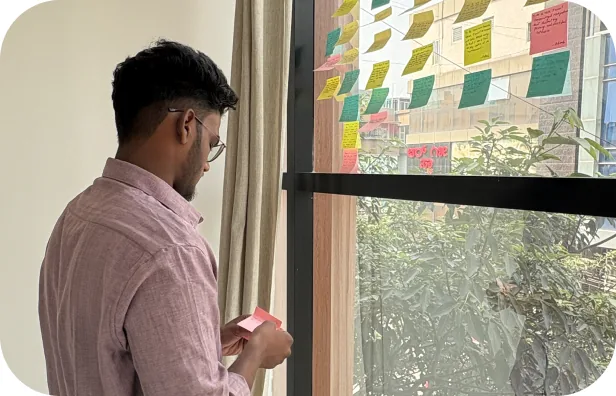
Learn what users need and turn problems into useful design ideas.

UI UX Design Course in Bangalore
Learn UX research, UI design and AI-assisted workflows through practical projects, with dedicated portfolio support after your core training.
4 months of core training + 2 months of portfolio support

Learn to understand users, design useful digital experiences and use AI to support your work.
Build practical skills you can demonstrate through your portfolio.
Learn what users need and turn problems into useful design ideas.
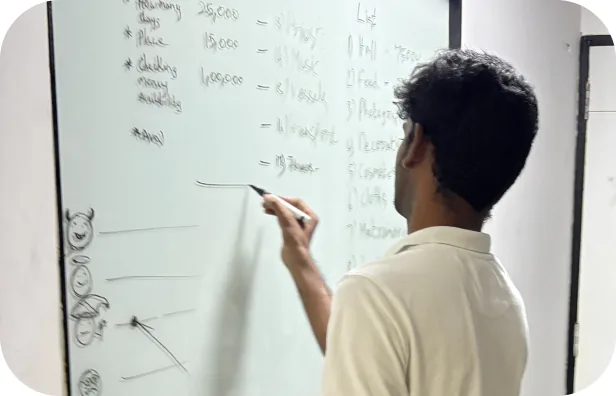
Create clear, easy-to-use apps and website experiences.
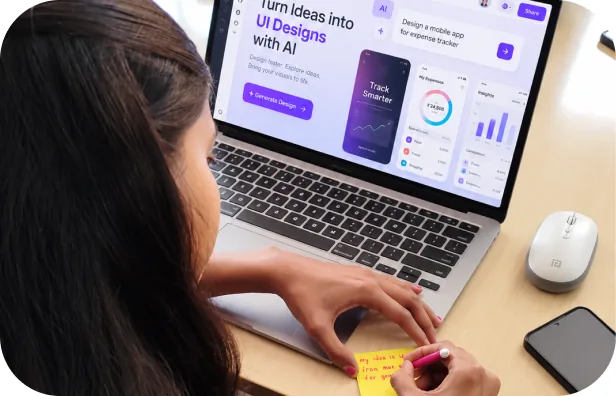
Use AI to explore ideas, speed up tasks and improve your design workflow.
Turn your projects into case studies that explain your work and decisions.
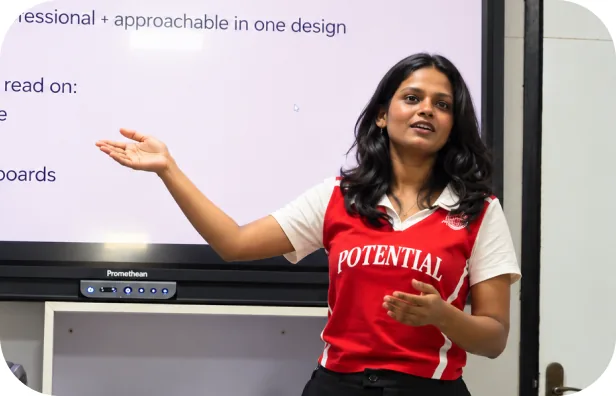
Learn UX/UI fundamentals alongside AI tools. Explore ideas faster, but develop the judgement to understand users, question AI suggestions and choose the right solutions.
See what you can learn to build
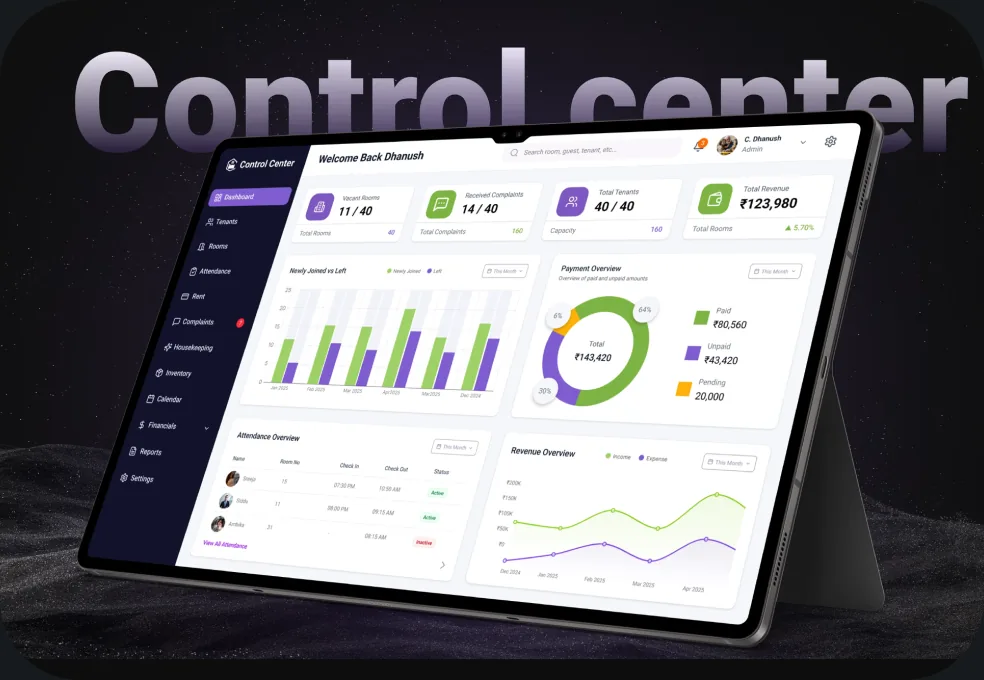
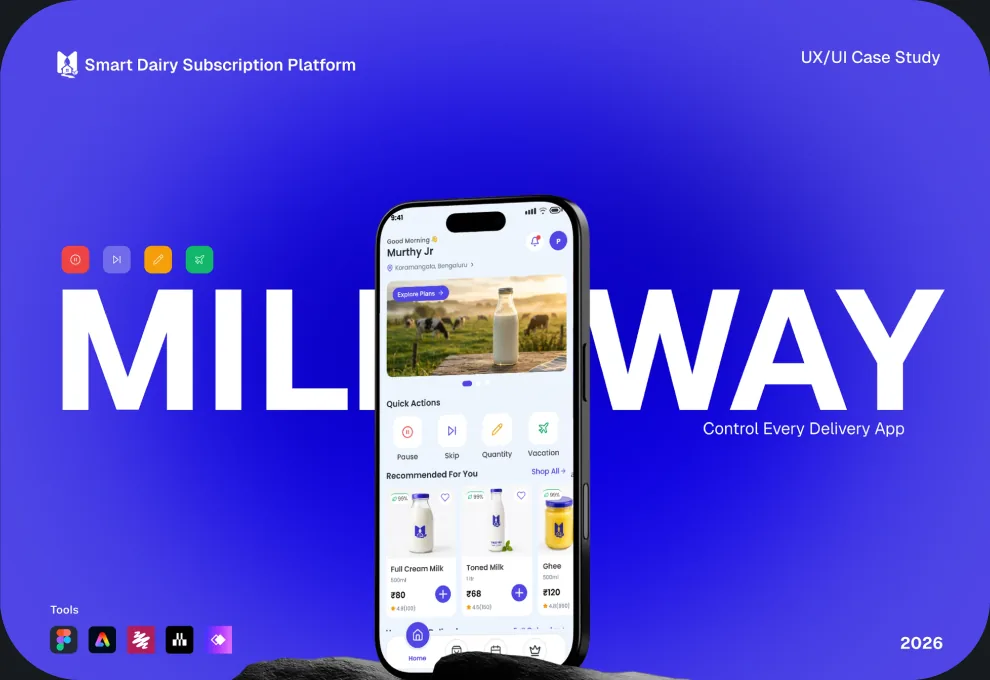
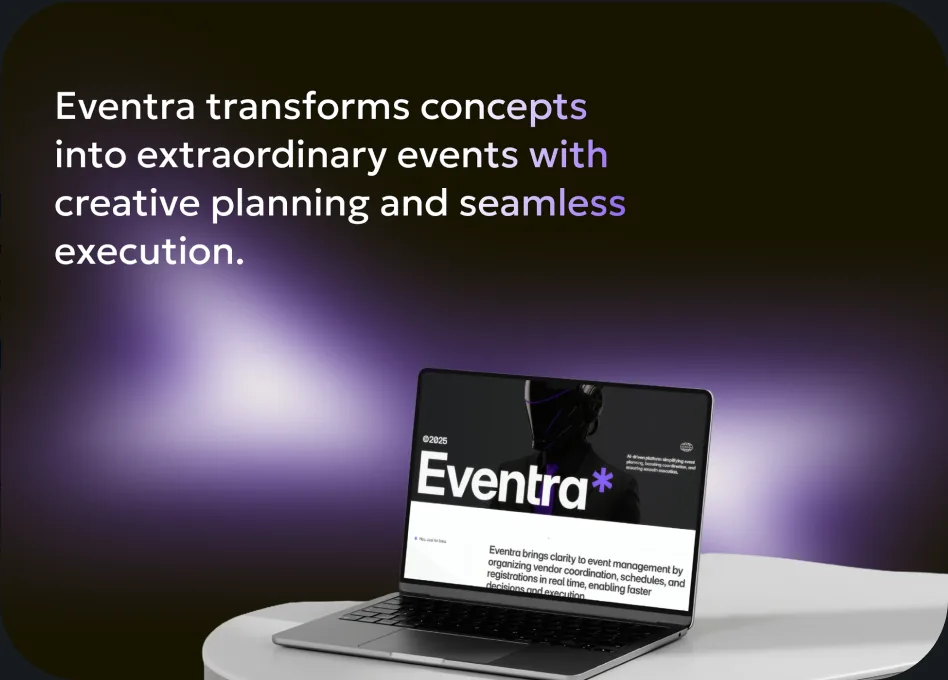
Learn step by step. Practice on real projects.
You don't need to know everything before you start. Build your skills progressively through guided learning, practical exercises, mentor feedback, and project work.
Learn the basics of UX/UI design, user research, and problem-solving.
Understand user needs, map journeys, and turn problems into ideas.
Create wireframes, app and website interfaces, and interactive prototypes. Learn AI workflows.
Turn your project work into case studies that explain the problem, your decisions, and the solution.
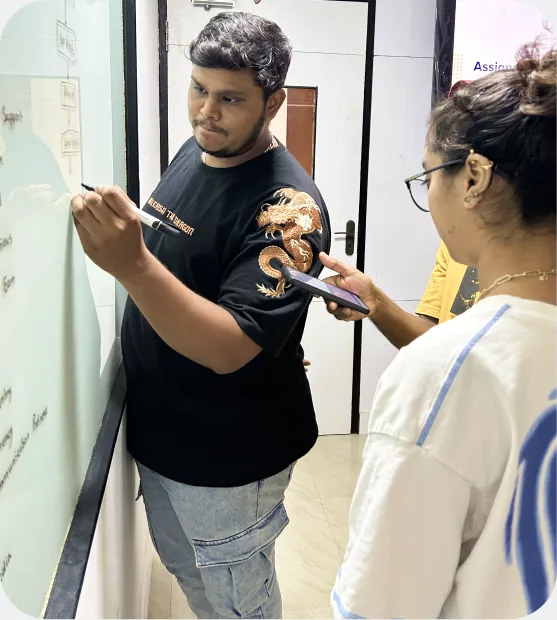



Placement support helps learners prepare for and pursue opportunities. Employment is not guaranteed. Publish verified mentor profiles and explain the applicable placement-support terms.
Get feedback. Improve your work.
Prepare for your next step.
Learning design is not just about completing assignments. It's about understanding what works, improving what doesn't, and learning to explain your decisions.
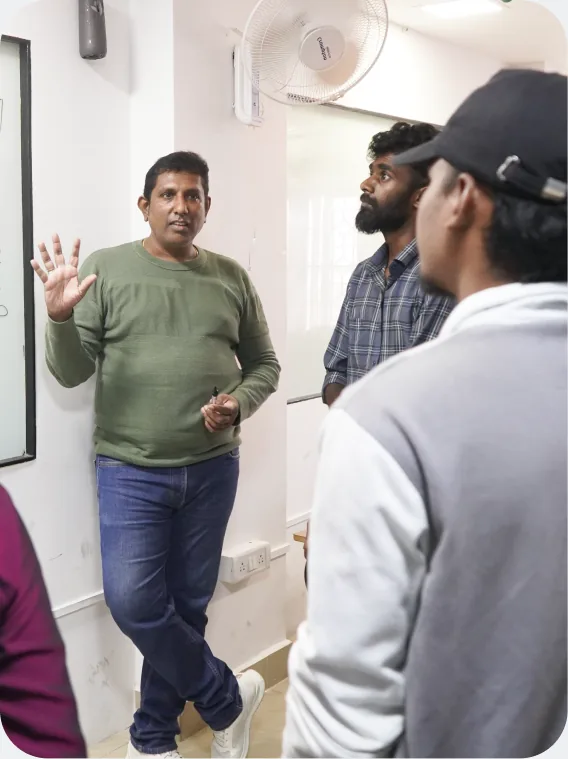
At Aspira, mentors guide you through your projects, help you identify gaps, and support you as you develop your portfolio.
Get guidance from designers who understand real product-design work and the skills teams look for.
Learn to present your projects clearly, explain your decisions, and demonstrate your problem-solving skills.
The Advanced UX/UI Design Program includes a three-day career intensive with Rambal, two months of dedicated mentor support for portfolio development, and placement support.
Know the Fees. Plan Your Next Step.
Get a clear picture of the investment, available payment options and the details you need before enrolling.
₹68,850
Listed fee: ₹76,500, including GST.
Avail Scholarship: 10%.
No-cost EMI options are available
Explore the program, get your questions answered, and find out whether Aspira is right for you.
Prefer learning in person? Join weekday offline training at Aspira's HSR Layout campus.
Balancing work, college or other commitments during the week? Join our weekend online training and develop your UX/UI design skills alongside your existing schedule.
Share your details and our admissions team will help you with course details, fees and upcoming batch dates.
FAQ’s
Yes! You can experience a free demo class at our HSR Layout campus in Bangalore before deciding to join.
Yes. You can begin without previous UI/UX experience. The program introduces design concepts step by step and helps you practise through guided exercises and projects. Your progress will depend on your effort, practice and the feedback you act on.
No. You don't need to be a developer to start learning UI/UX design. The program focuses on understanding users, solving problems and designing digital experiences. You'll get an introduction to how designs become working products later in the program.
Yes. AI-supported workflows are included to help you explore ideas and speed up selected design tasks. You'll also learn why design judgement, problem-solving and understanding users remain important.
The Advanced UX/UI Design Program has 4 months of structured core training (34 live sessions over 17 weeks), followed by 2 months of dedicated portfolio mentor support. It also includes a three-day career intensive with Rambal.
The Advanced UX/UI Design Program includes placement support to help eligible learners prepare for and pursue job opportunities. It does not guarantee employment; your outcome depends on your portfolio, practice and interview preparation.
The listed fee is ₹76,500, including GST. With the 10% scholarship it comes to ₹68,850, and no-cost EMI options are available. Contact our team to confirm the current fee, scholarship eligibility, payment options and batch schedule.
Not sure whether UX/UI design is right for you? Let's help you understand what you'll learn, how the program works and what your next step could look like.
Research → Design → Build → Test → Ship. Every week builds on the previous one, taking you from product thinking and UX research to UI design, design systems and working, deployed interfaces.
Weeks 1–6 · 12 sessions · 36 hours · Understand problems before designing solutions
Learn how digital products work, who they serve, and how user needs connect with business goals. Practise identifying the right problem before jumping into a solution.
You'll create: A clear problem statement and product goals.
Learn how to study competing products, identify gaps, and ask users the right questions. Discover how research helps you make decisions based on evidence rather than assumptions.
You'll create: A competitor analysis and a user interview plan with research evidence.
Learn how to organise research findings, identify patterns, and understand user goals, behaviours, and pain points. Use personas and journey maps to discover opportunities for better experiences.
You'll create: A research synthesis board, user persona, and journey map.
Explore different solutions, prioritise ideas, and decide what belongs in the first version of a product. Learn how to turn your ideas into clear product requirements.
You'll create: A prioritised solution concept and a Product Requirements Document (PRD).
Learn how users move through an app or website, organise information, and design clear screen layouts. Practise writing useful button labels, form instructions, and other interface text.
You'll create: Information architecture, user flows, wireframes, and clear UX copy.
Learn how to test a design with users, identify usability problems, and improve the experience using feedback. Apply heuristic evaluation to redesign an existing product.
You'll create: A usability test report and an improved design with clear reasoning.
Weeks 7–14 · 16 sessions · 48 hours · Turn ideas into usable, polished digital experiences
Learn how typography, colour, contrast, and visual hierarchy make interfaces easier to understand. Apply accessibility principles to create clear and inclusive user interfaces.
You'll create: A visual design exercise and an accessible colour and interface-state system.
Organise screens using grids, alignment, spacing, and responsive layouts. Understand how app and website designs adapt to different screen sizes using Figma Auto Layout.
You'll create: Responsive layouts and flexible UI components.
Build reusable components and variants, and design complete mobile app screens. Practise designing common interface states, including loading, empty, error, and success states.
You'll create: A reusable component library and mobile app screens.
Learn how design systems keep interfaces consistent as products grow. Organise colours, typography, spacing, and components into a system that supports light and dark themes.
You'll create: Design tokens, variables, and a documented mini design system.
Connect screens and create realistic interactions in Figma. Explore interactive states, transitions, and micro-interactions that guide users through a product.
You'll create: An interactive prototype with meaningful states and behaviours.
Design information-rich dashboards and responsive web applications using tables, filters, forms, and charts. Review your designs for usability and accessibility across screen sizes.
You'll create: A responsive web app or dashboard design.
Design a product website that communicates value clearly and guides users towards an action. Explore AI product patterns, including suggestions, chat experiences, user control, and handling incorrect AI responses.
You'll create: A responsive product page and an AI feature prototype.
Prepare developer handoff specifications in Figma Dev Mode, check design quality, and bring your main project to portfolio-ready standard through a final critique.
You'll create: A developer handoff package and a reviewed final design.
Weeks 15–17 · 6 sessions · 18 hours · Turn your designs into working digital products
Understand how websites work, including HTML, CSS, responsive layouts, and browser behaviour. Use AI coding tools to create or modify a user interface while learning to check the generated code and design quality.
You'll create: A working interface based on your design.
Learn the basics of GitHub, project files, version control, and documentation. Explore Figma MCP and AI coding tools to translate components, layouts, and design decisions into working code.
You'll create: A project repository and an AI-assisted implementation of your Figma design.
Check your implementation for visual, interaction, responsive, and accessibility issues. Fix problems, deploy your product, test it with users, and improve it using feedback.
You'll create: A live, deployed product with quality checks, fixes, and testing evidence.
The three-day career intensive with Rambal and the two months of dedicated portfolio mentor support are separate components of the Advanced Program and are not part of the 17-week core curriculum.
Get Course & Batch Details